
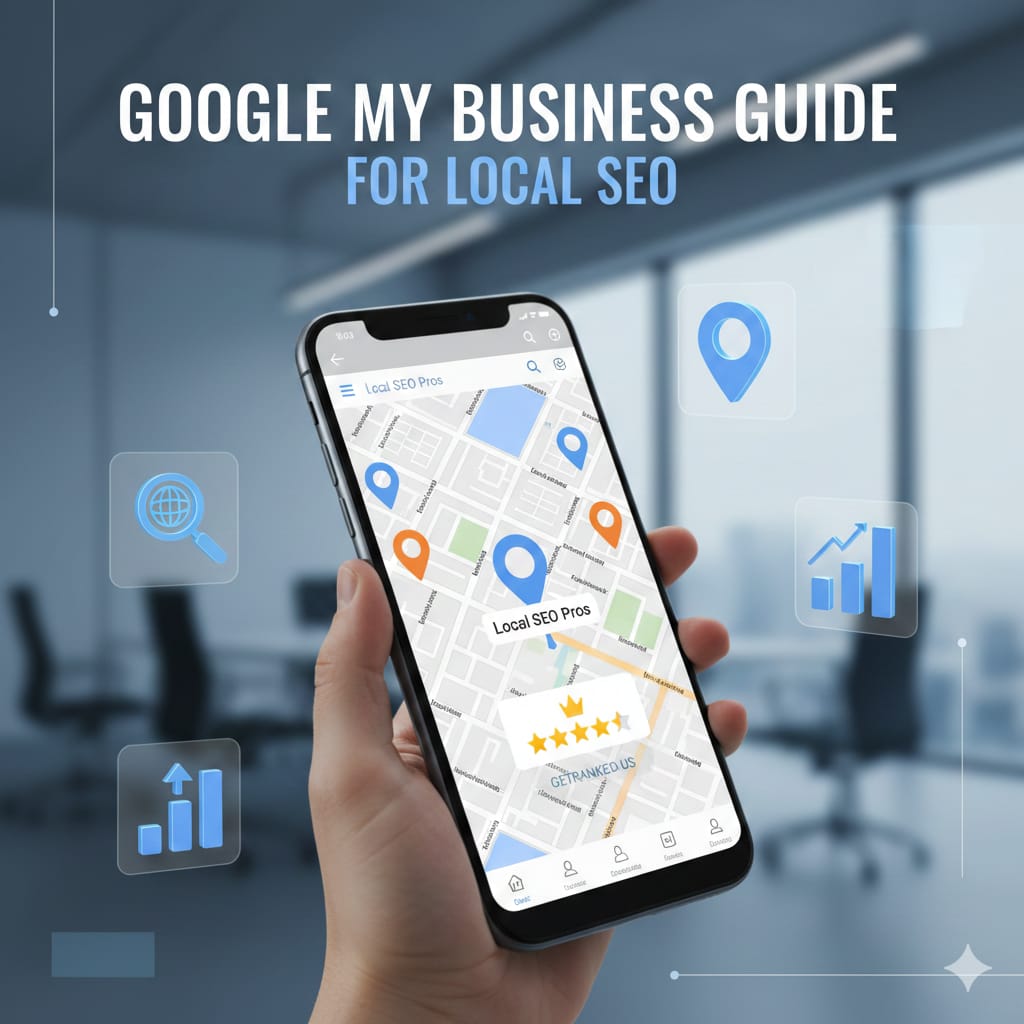
If you’ve searched for a local business on Google before, such as a coffee shop or plumber near you, then you’ve seen the results in a Google Business Listing. This list will contain the important information for a local business, such as their phone number, address, business hours, photos of their store or facility, as well as customer ratings/reviews. It is easy to understand why having access to a Google Business Listing can be very beneficial for local businesses.
However, what a lot of local business owners may not realize is that just having access to a Google Business Listing won't provide them with all the benefits of Google Business Listings; To optimise these advantages, local business owners must create an Account with Google My Business.
Below, we will fully explain what these two Accounts are, along with why they are essential to local businesses. Before we get into greater detail, let us first clarify the difference between each of these Accounts, as many people often use these terms interchangeably.
What is a Business Profile on Google & Why Should You Use One?
Essentially, a business profile on Google is the way your business will be displayed to prospective clients when they conduct searches locally on Google or within their area via Google Maps. If someone searches for services you provide, including your company’s name, your business profile will appear in multiple locations, including:
- Google Search Results: When users search locally, business show up in Google search or in Google’s maps, so when someone searches for businesses in their area using Google, these businesses will appear in a 3-pack (the top three businesses highlighted by Google in local search results).
- Google Maps: Your profile will automatically show up with your address and location, enabling users to find your business easily when searching for a local business using Google Maps.
- Mobile: The Google Maps mobile app automatically shows your business profile with a simplified format that includes buttons for calling, directions, and website.
Google My Business (GMB) accounts allow businesses to manage how they are represented on Google. Using GMB allows business owners, or appointed administrators, to manage the visual representation of their company and its products on search engines and maps online.
What is Google My Business Account?
Google My Business provides a consolidated location for your business to manage the information about it (or about yourself if you are a sole proprietor). Consider it as a digital storefront for your business’s products and services, and your GMB account is the access key to that storefront. Without the access key, there is no way to control what goes on inside the storefront.
The key thing to understand is that the creation of your Business Profile does not give you access to a GMB account, nor does the creation of a GMB account give you access to your Business Profile; they are both individual but related entities. To maximize your business’s exposure to potential consumers online, you need both a Business Profile (your online listing) and a GMB account (the tools to springboard your business’s online exposure).
Why Your Business Absolutely Needs a Google Business Profile?
Let me be straight with you: if you're running a local business in today's digital world and you don't have an optimized Google Business Profile, you're basically invisible to a huge chunk of potential customers. Here's why it matters:
1. Customers Are Already Looking for You
Google processes billions of searches every day, and a massive portion of those are local searches—people looking for businesses near them. Whether they're searching "restaurants near me" or "emergency plumber in [city]," your Business Profile is how you show up in those results.
2. Build Trust With Customers
When potential customers can see real photos of your business, read reviews from other customers, and verify your hours before making the trip, they are highly likely to choose you over the competition.
3. Getting a Google Business Profile is Completely Free
Google Business Profiles are free for anyone. Google Business Profiles provide business owners with free advertising on the internet's largest search engine. There is no reason not to set one up.
4. Mobile Users Are Looking For A Service Right Now
Over 50% of searches are done using mobile devices. Most of the time, mobile users are looking to find something very quickly. Having a properly optimized Google Business Profile allows mobile users to easily call you, find directions to your business, and visit your website with one click of their finger.
5. Compete With Large Corporations
Google Business Profiles provide small business owners with the opportunity to outrank large corporations in local searches if they manage their Business Profile and reviews properly and consistently update their profile with the most up-to-date information.
What You Can Do With Google My Business?
Once you've created a Google My Business account and claimed your Business Profile, many features are now available for you to use in managing your business. In this section, I will detail everything you can do.
1. Control Your Business Information
You have complete control over how all of your business information is displayed to the public (i.e. hours of operation (including any special hours during holidays), link to your website, upload menu/service list for customers to view, list pricing information, and indicate attributes of your establishment (e.g. "wheelchair accessible," "has outdoor seating")).
2. Respond to Customer Reviews
Reviews play an important role for local businesses, and you will have the ability to respond to all of your customers' reviews using your Google My Business dashboard. Responding to reviews provides a great way to demonstrate your interest in maintaining high-quality customer service and provides an opportunity to convert a potentially damaging experience into a positive one.
3. Create Posts and Updates
Similar to social media, you'll be able to create posts and updates to your profile page. These posts will detail any special events that happen in your business (including limited-time discounts) or anything else that's considered relevant or important. Posts on Google can also include photos, buttons for calls to action, as well as links.
4. Photos and Videos
Visual media plays an integral role in a company’s success; the use of images generates significantly higher occurrences of direction requests and clicks to a company’s website than do companies lacking photos. You should add photos of your business location and interior, product offerings, employees, and completed projects. Additionally, adding video can provide customers with a more immersive view of your company.
5. Answering Questions
Your customers are able to submit direct questions through your Google Business Profile, and you (or other users) can respond to them. Your ability to respond to questions before customers contact you gives them the information they need to make an informed decision about whether or not to purchase from you.
6. Enable Messaging
By activating the messaging feature on your Business Profile, customers can contact you directly through Google. Customers will have a quick way to ask you questions, and you have the opportunity to respond to them in real time. This allows customers to go from a point of interest to an actual sale more easily.
7. Postings & Analytics
Google My Business provides you with an analytics report that provides insight into how customers found your listing and interacted with it. You will be able to see what search terms were used to find you, whether a customer found you via search or maps, what action(s) the customer took (i.e., called your business, requested directions, clicked on your website), and how your photo performance stacks up against that of your competitors.
8. Adding Booking Links
When you provide services, you have the opportunity to create booking links that allow customers to seamlessly access your scheduling site.
How to Use Google My Business for Your Local SEO?
This is where Google My Business becomes extremely beneficial to your local SEO strategy, as it is more than just a listing — it is critical to the growth of a local business. If used properly, it can greatly increase your visibility in local search results on Google.
The Google algorithm ranks Business profiles according to their relevance, distance, and prominence. Below are some ways to optimize your business profile and obtain better local rankings:
1. Utilize Relevant Keywords Naturally
Consider how your customers search for your services, and then use relevant keywords throughout your business profile, including in your business descriptions, service descriptions, posts, review responses, and so on. If you are a dentist located in Austin, include these terms naturally in your profile ("Dentist in Austin," and/or "Teeth Whitening Services in Downtown Austin," etc.)
The key is to use these keywords naturally. Overusing these keywords can cause you harm, instead of helping you.
2. Complete Every Section
Providing a Complete Profile Will Get You More Traffic. Filling out every section of the business profile is considered complete. Enter a description of your business, any attributes, products, or services.
3. Maintaining a Complete Profile
Having accurate information about your business will prevent customers from getting frustrated after arriving at a closed business due to being listed as open on Google. Get accurate business hours updated for holidays/special events. Update your Phone Number immediately after it has changed. Accurate information will lead to increased customer trust as well as increased ranking with Google.
4. Encourage Customer Reviews and Respond to Them
Reviews are a significant factor for businesses in ranking high in Local Search Results. Getting positive customer reviews will earn your business higher rankings in local search results. You should actively ask for customer feedback after their visit has concluded and should reply to all customer reviews (negative and positive) so that potential customers are informed of how you would respond to any problems that may arise.
5. Frequent Posting
Posting at least once a week will keep Google informed of what is happening at your business. When you regularly post, it keeps the business profile up-to-date and relevant to potential customers.
6. Upload Quality Photos Frequently
Try to upload multiple new pictures every week, including but not limited to your products and their respective locations, your services and the atmosphere that supports your business, your staff members and what they look like, and behind-the-scenes images of your business operation. Having images on Google gives your profile much more interaction compared to companies that do not. Businesses with Images on Google receive significantly greater interaction than businesses without Images on Google.
7. Choose Categories Wisely
Choose the category that best fits your business as your primary category. In addition to your primary category, add all other secondary categories that are related to your business. As a result, Google will better understand how to show your Google Profile when a search is performed for what you offer.
8. Develop Citations for Your Business Across The Web
While it is not a direct link from your Google My Business page, it is still very beneficial to have consistent information about your company (name, address, phone number) displayed across the internet; this will prove to potential customers that your business is credible and, when displayed correctly, should ultimately lead to improved local rankings for your listing.
How To Create Your Google Business Profile and Google My Business Account?
Want to establish your Google Business profile & Google My Business account? The steps outlined below will guide you through the process:
Step 1: Create or Find Your Business Profile
Visit https://business.google.com/in/business-profile/ or https://www.google.com/maps and search for your business address using Google Maps. If a listing for your business exists, you should see a link that states "Claim this Business" or "Do You Own This Business?" If no listing exists, you can create one by providing your business name as well as following the steps on the site.
Step 2: Verify Your Business
Google wants to verify that you truly own or manage your business. So there are several ways to verify your ownership:
- You will typically receive a postcard with your verification code at the address of your business. This verification method is the most common.
- If you are a business that can receive phone calls or text messages, you can receive a verification code through either of these methods.
- Some businesses can verify through email as well.
- Certain businesses can use video verification to verify their ownership of their listing.
- Depending on which verification method you use, it may take several days for the postcard method to arrive in the mail.
Step 3: Complete Your Profile
Once you have been verified, you will need to complete each section of the Google My Business dashboard. You can complete your profile in the following manner:
- Enter the accurate hours of operation for your business.
- Upload high-quality images of your business.
- Write a thorough description of your business that will entice customers to contact you.
- Add all of the services or products that your business sells.
- Think of the phone number, website, email address, and any other information that would be helpful to a potential customer. Once you have set up your Google Business Profile, you should set up a method for managing it.
Step 4: Managing Your Google Business Profile Ongoing
To keep your Google My Business Profile updated, it is recommended that you set notifications so you will be notified when new reviews, questions, and messages arrive on your profile. Make sure to also log into your Google My Business Profile Dashboard to see any updates and/or changes made to your profile at least once every week. If you are unable to manage your own Google My Business Profile due to a lack of time, you can have a teammate help you manage it.
Common Google Business Profile Mistakes to Avoid
As you take care of your Google Business Profile, be careful of the following mistakes:
- Not Responding To Reviews: If you don't take time to respond to reviews, especially negative ones, it sends the message that you don't value customer feedback.
- Misleading Information: When your business information on different platforms (Google, social media, etc.) doesn't match your official company info, it creates confusion for potential customers and negatively affects your SEO ranking.
- Old Photos: Using out-of-date photos or having very few pictures with no updates will create the impression that you're an inactive or unprofessional business.
- Using Too Many Keywords: Including lots of keywords in your business description makes it difficult to read and risks receiving a penalty from Google for keyword stuffing.
- Failure to Update Holiday Hours: When a business doesn't update its holiday or special event hours, it creates customer frustration and lost revenue.
- Long-term Maintenance Required: Your Google Listing requires regular maintenance. You should continually update, add posts, and actively respond to customer questions and comments.
Google's Business Profile is just One Piece Of A Bigger Puzzle
Google's Business Profile is important, but it's just one part of your local marketing efforts. Other components that should complement your Google Business Profile are:
- Keep consistent listings across various directories (Yelp, Facebook, niche directories)
- Have a user-friendly, mobile-optimised website
- Have a system for generating reviews across platformsWrite content about your business on location-specific pages on your website
- And be active on all forms of social media in order to build relationships with customers.
Final Thoughts
Your business profile is where potential customers are likely to see the first impression of your company. But in order for that to work, you need to claim your profile, optimize it properly, and keep it up-to-date. Not having an optimized Google business listing is negligent in today’s Internet-driven society.
Take an hour today to set up or optimize your Google My Business account. Actively search for your future customers now, and guarantee that you are visible to them.
Want to improve your local SEO (Local Search Engine Optimization) visibility? Create a Google My Business Profile at google.com/business today and allow your business to become easy to find by customers searching for your products and services.